Choose the audience
Send a notice to everyone, or to certain roles or departments. When you choose both, a person has to match both.
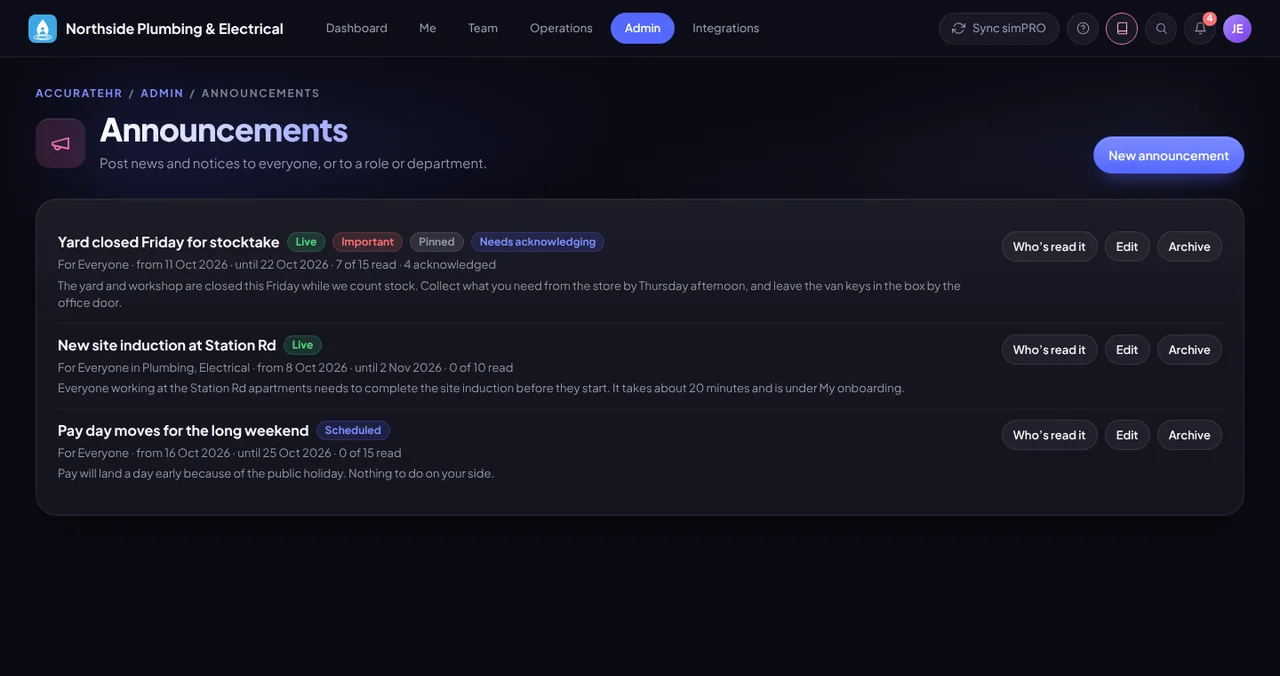
Post news and notices to everyone, or to a role or department. Pin the important ones, ask people to acknowledge them, and see who has read each one.
Send a notice to everyone, or to certain roles or departments. When you choose both, a person has to match both.
Set a start date and an end date and it appears and disappears on those days, or archive it at any time. Nobody is notified when a scheduled notice starts.
Pin a notice to the top and mark it important so it stands out.
Ask people to confirm they have read and understood it, and see who has read it and who has acknowledged it.
When you post, choose no notification, the notification bell only, or the bell plus push and email, sent where email and push are set up and the person has them switched on.
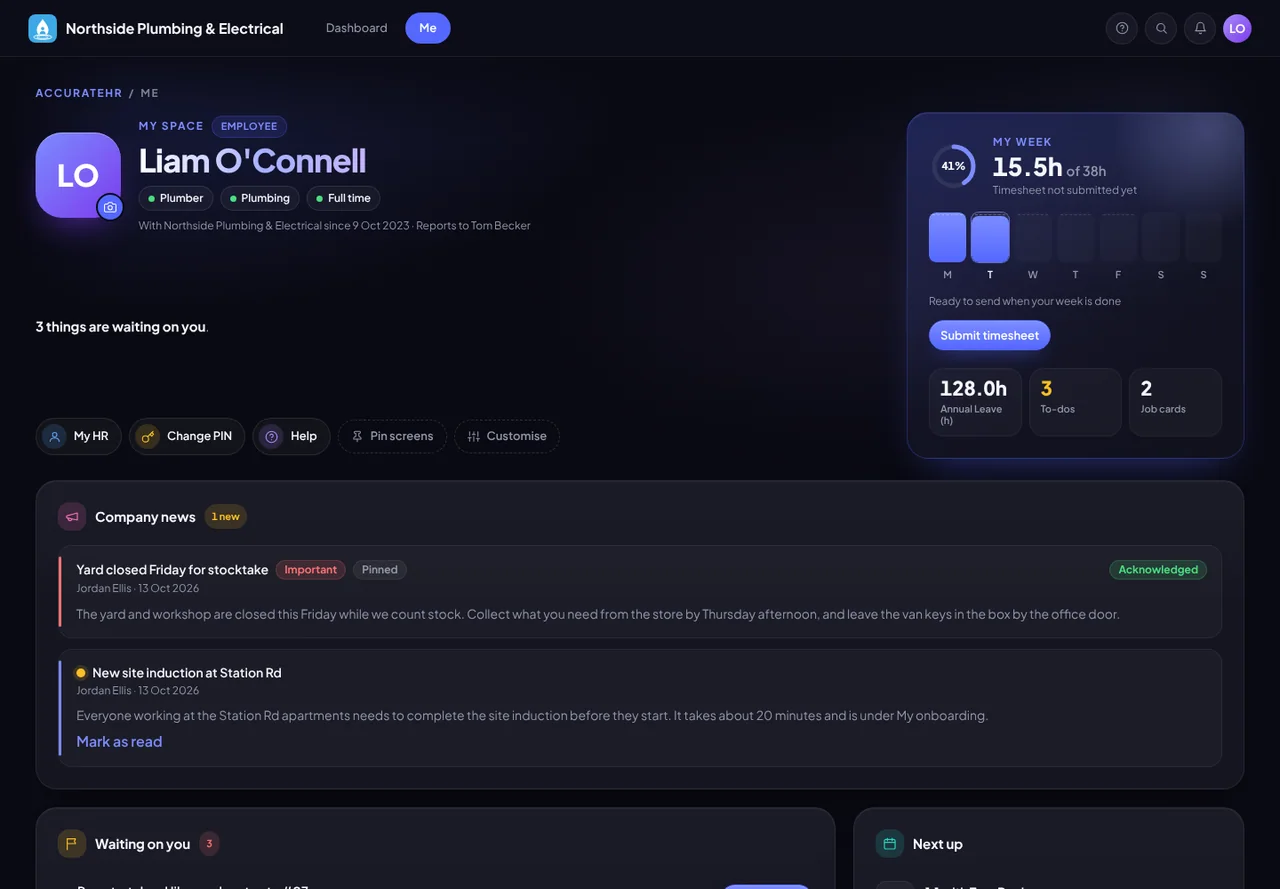
Company news appears on My space. An important notice shows as a banner on the dashboard until it is read, and one that needs acknowledging shows until it is acknowledged.
Write, schedule, pin and archive announcements, and see who has read them.
Reads the news on My space and acknowledges it when asked.
Tell us about your business and we will get you set up with AccurateHR.