A company code, then email and PIN
The first time on a device, staff enter their company code, then their email and a PIN of 4 to 8 digits. The code is in the login email each person is sent, and the Sign in button in that email fills it in.

Staff sign in with their email and a PIN, or with Face ID or a fingerprint. Roles decide who sees and approves what, and each company’s data is kept apart.
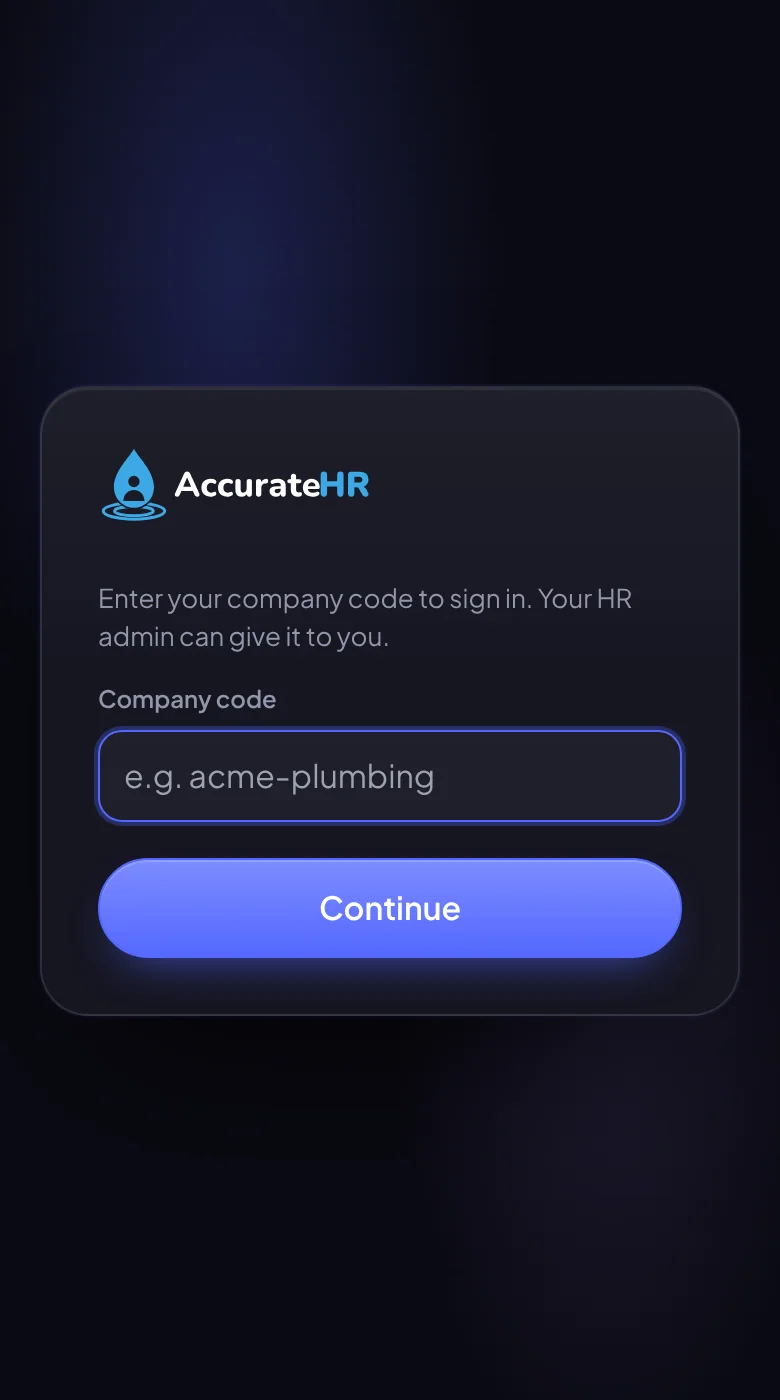
The first time on a device, staff enter their company code, then their email and a PIN of 4 to 8 digits. The code is in the login email each person is sent, and the Sign in button in that email fills it in.
On a phone or computer with Face ID, Touch ID, a fingerprint or Windows Hello, staff can turn on a passkey for that device after signing in with their PIN, then use it instead of typing the PIN. Each device is set up separately.
A sign-in lasts 30 days and renews while the person keeps using the app.
Employees, managers, admins and owners see and approve different things, and a mechanic is an employee who can also open the workshop screens.
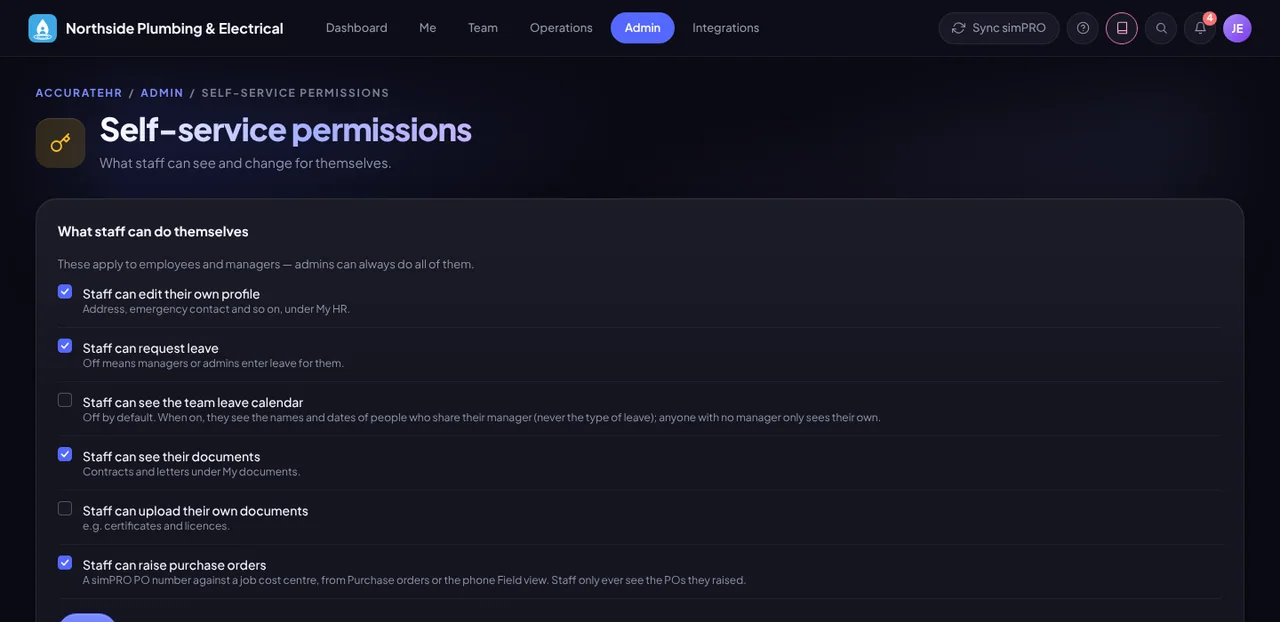
Admins choose what staff can change for themselves, such as their profile, leave requests and documents.
Each company has its own account and its own data, and people only ever see their own company’s records.
Sign in with a PIN or a passkey.
Send people their login details, set roles and choose what staff can do for themselves.
Tell us about your business and we will get you set up with AccurateHR.