Import from a spreadsheet
Download a template for people, licences and tickets, leave balances or assets, fill it in and upload it as a CSV.

Load your people, licences, leave balances and assets from spreadsheets, set your company’s details and rules, and decide what staff can do for themselves.
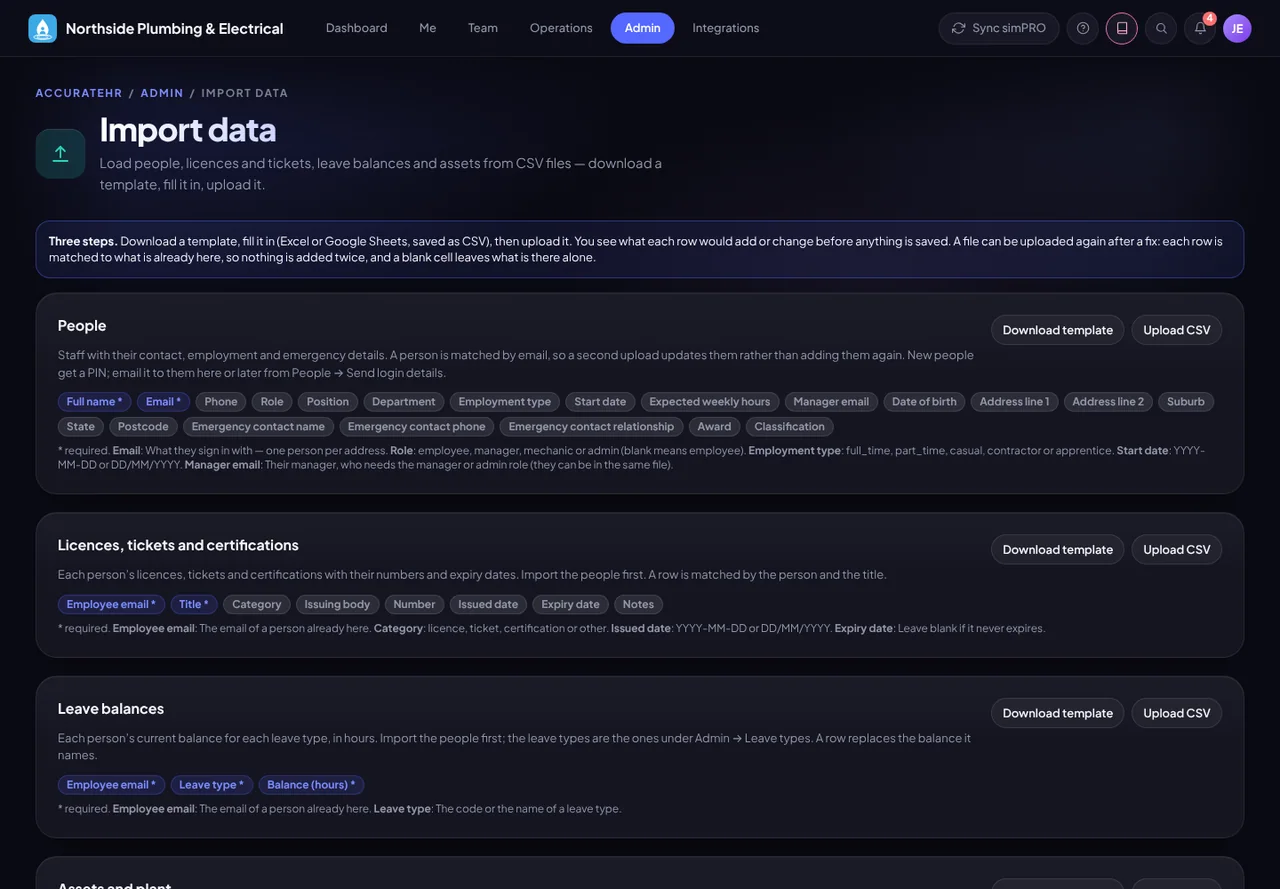
Download a template for people, licences and tickets, leave balances or assets, fill it in and upload it as a CSV.
See what each row would add or change, and any row to fix, before anything is written.
Rows are matched to what is already there, such as a person by their email, so uploading a corrected file updates people rather than adding them again.
New people get a PIN, and their login email can be sent during the import (up to 40 per file) or later from People.
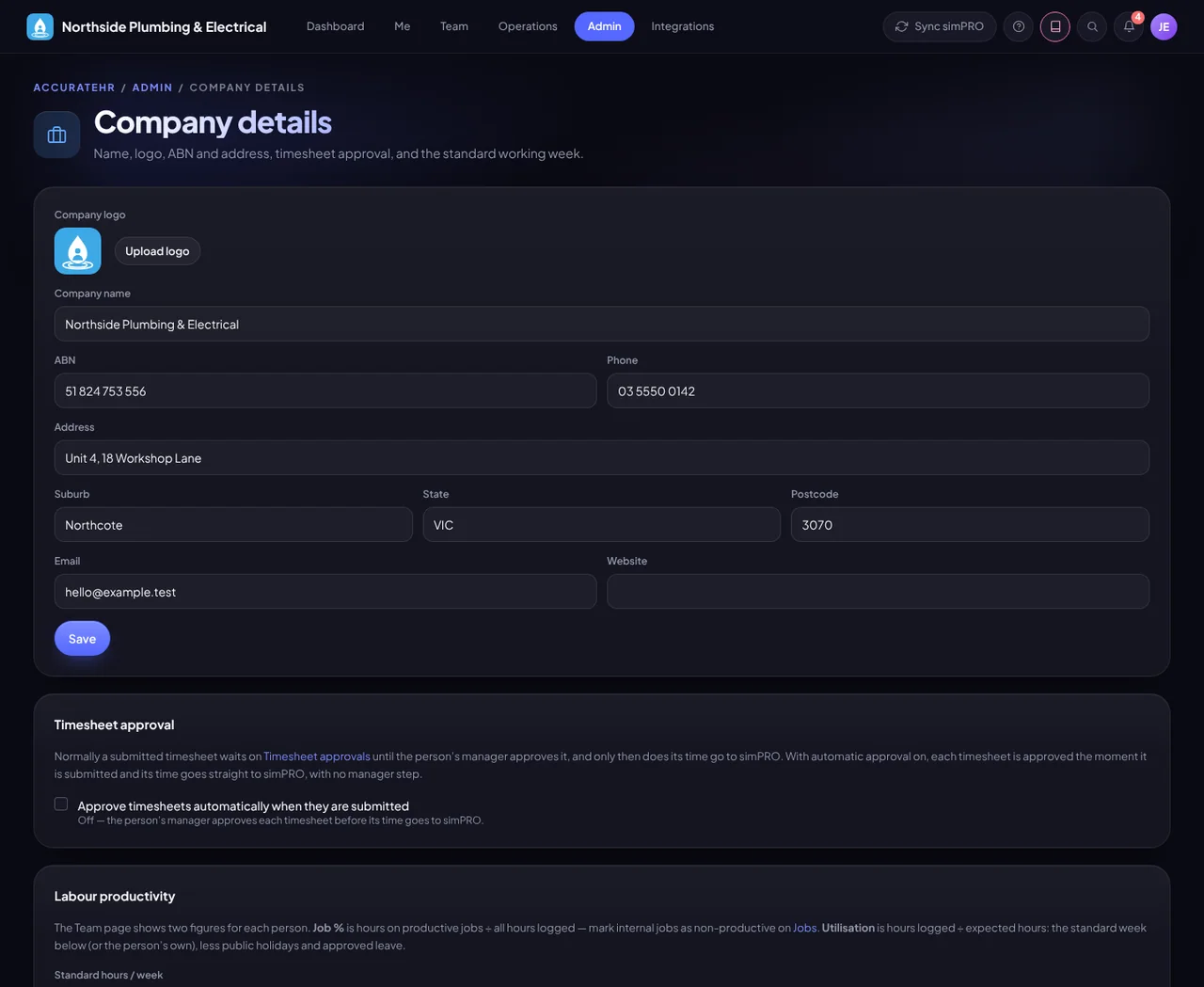
Company name, logo, ABN and address, the standard working week, and whether timesheets approve automatically on submit or wait for the manager.
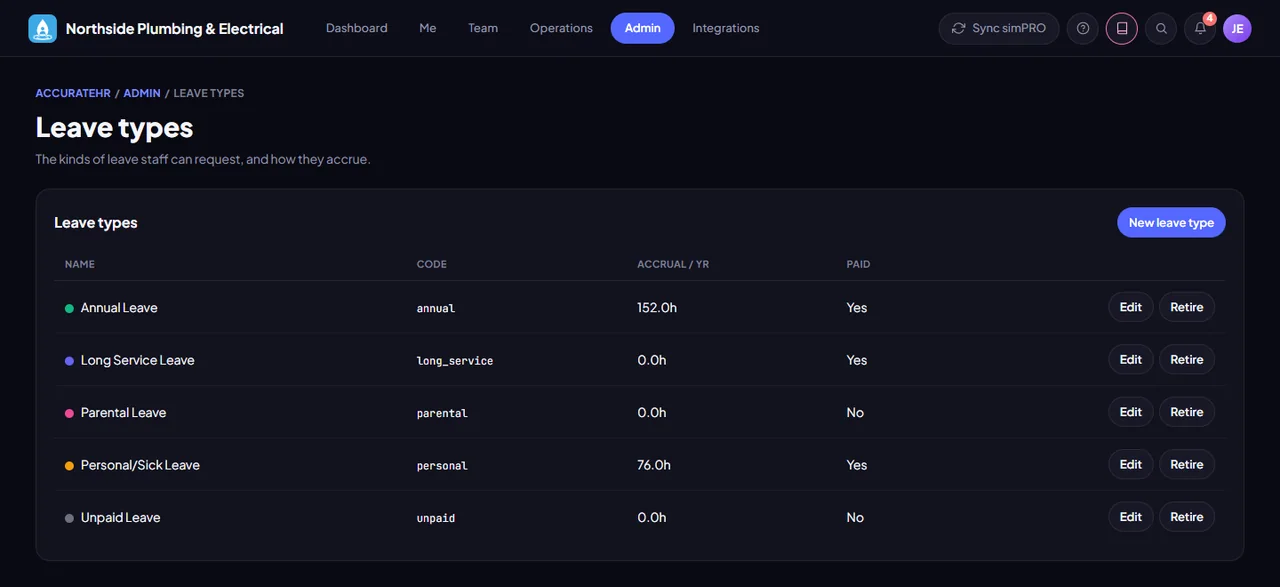
Create the kinds of leave your staff can request.
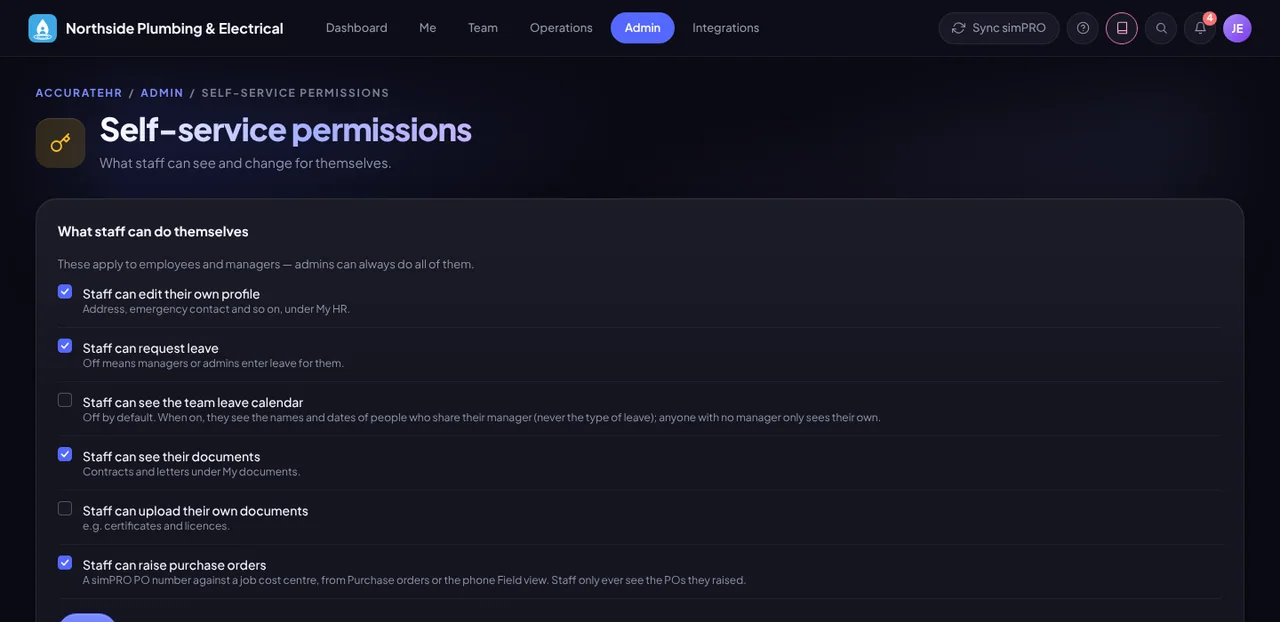
Switch on or off whether staff can edit their own profile, request leave, see the team leave calendar, see their own documents and upload their own, and, for companies using simPRO, raise purchase orders.
A help page with a short explanation for each task in each part of the app, showing only what the signed-in person can do.
Import the team and set the rules.
Tell us about your business and we will get you set up with AccurateHR.