Sign-in and security
Everyone signs in with their email and a PIN of 4 to 8 digits, or with Face ID or a fingerprint once it is set up on their phone. You stay signed in for 30 days, and the clock restarts while you keep using the app.
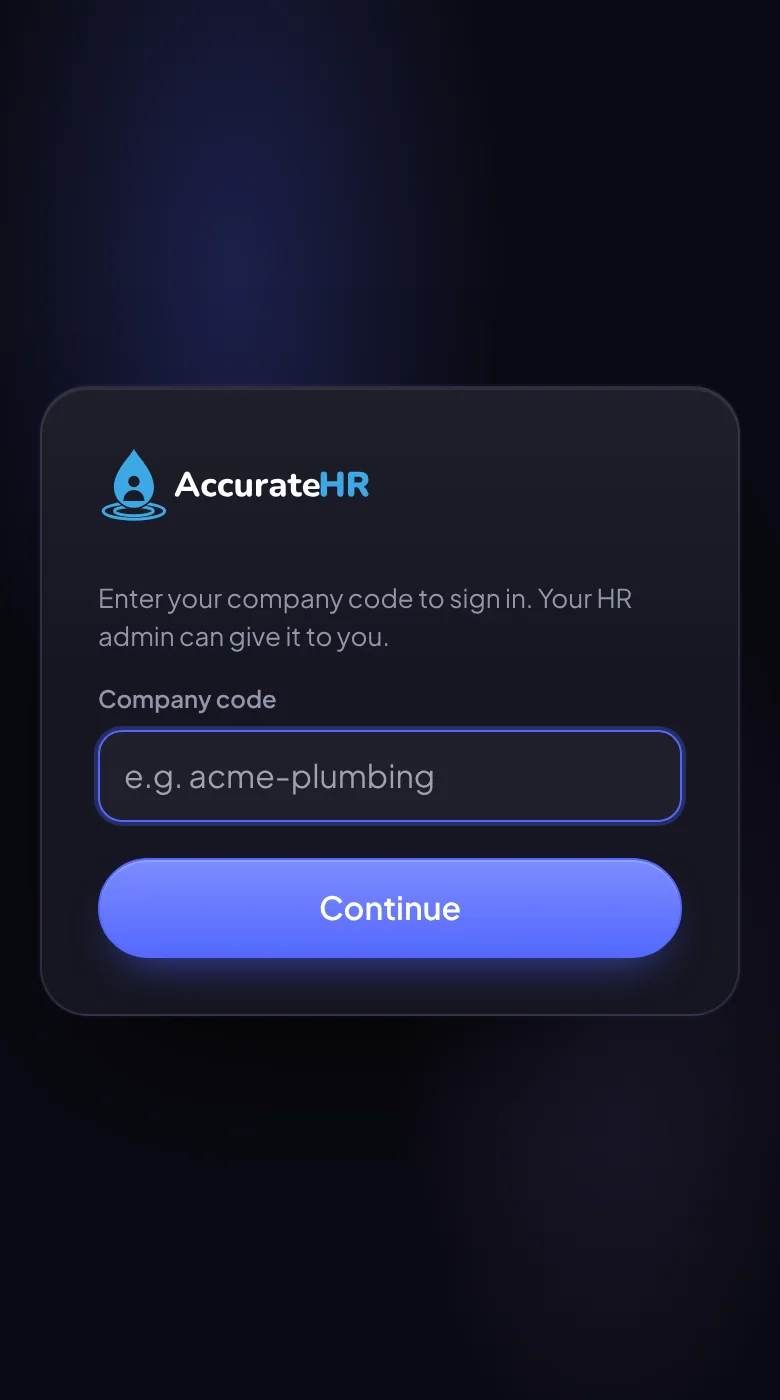
- Company code, once per device. The first time on a device, the sign-in screen asks for your company code, which the device then remembers. Your admin’s email has a Sign in button that fills it in for you.
- No easy PINs. A PIN cannot be the same digit repeated (0000), a run (1234 or 4321), a steady step (2580) or a short block said twice (1212). An admin or owner needs 6 to 8 digits.
- A PIN you are given works once. A PIN an admin made, reset or emailed for you is only good for signing in once: before anything else the app asks you to choose your own. You change it from the account menu, and an admin can reset it if you forget it.
- Five tries, then a pause. The fifth wrong PIN in a row pauses sign-in for 15 minutes, and a failed Face ID or fingerprint attempt counts the same way. An admin can unlock you sooner.
- Face ID or a fingerprint. A passkey belongs to that device and to your face or finger, so nobody else can use it. You can list your devices and remove any of them.