Timesheets and job cards
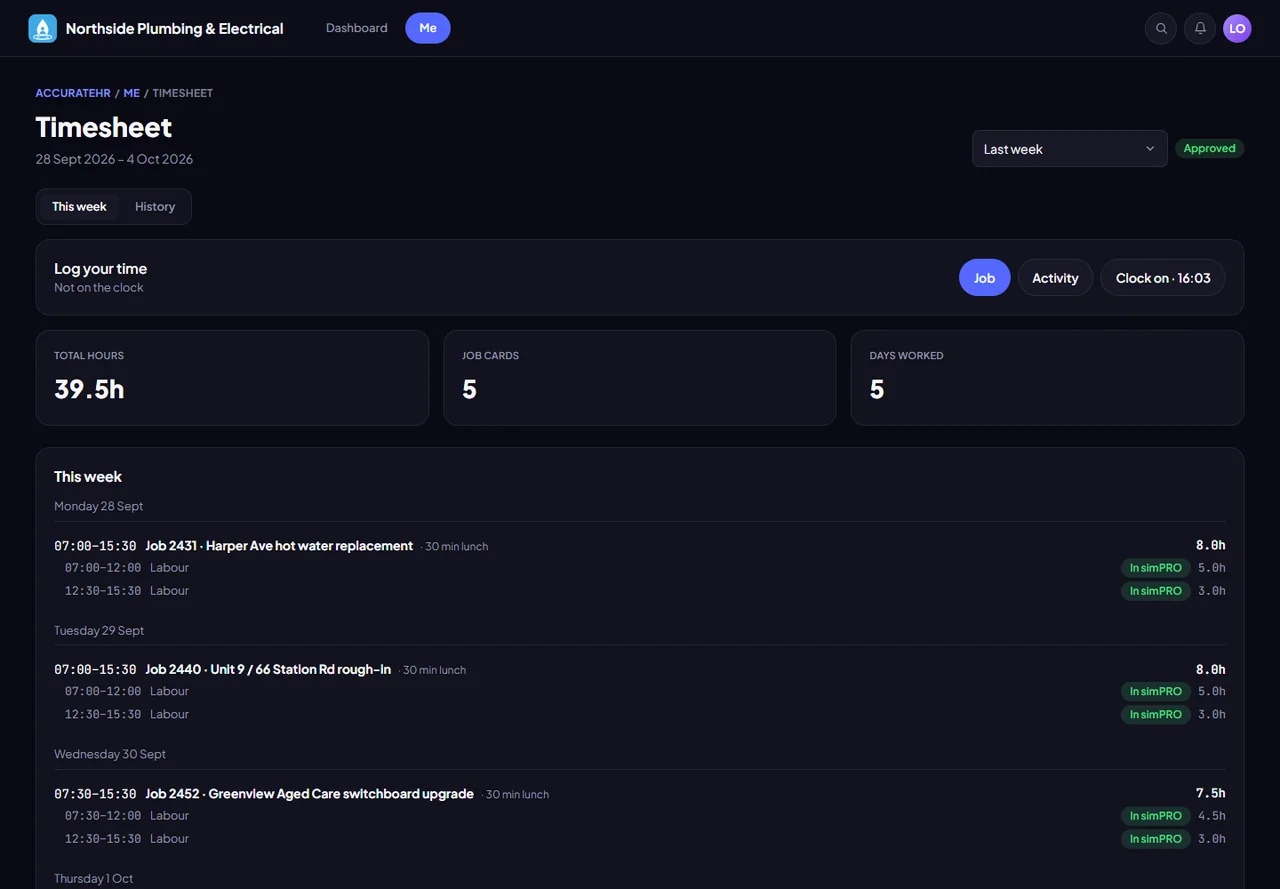
Staff clock on and off against a job, or add time by hand, and submit each day. Managers approve it a day at a time, or the company approves it automatically.
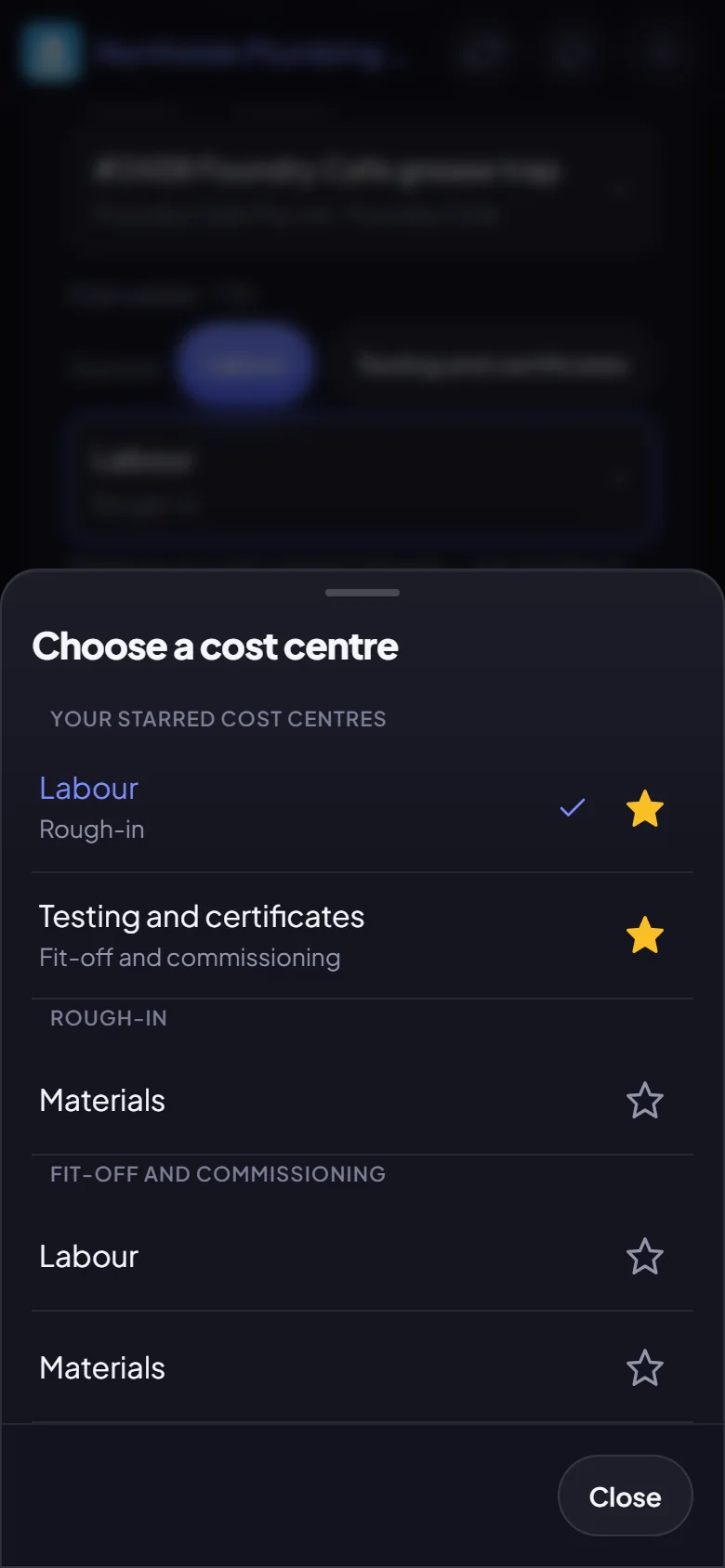
- Clock on from the phone. Clock on and off against a job, add time by hand, or log an activity such as training or a toolbox meeting. On the Field view it works with no signal and sends in order when the signal returns.
- Flags before you submit. The Submit card lists what an approver would query: a day over 12 hours, a long card with no lunch, a weekday with nothing logged, or a day well away from the simPRO schedule.
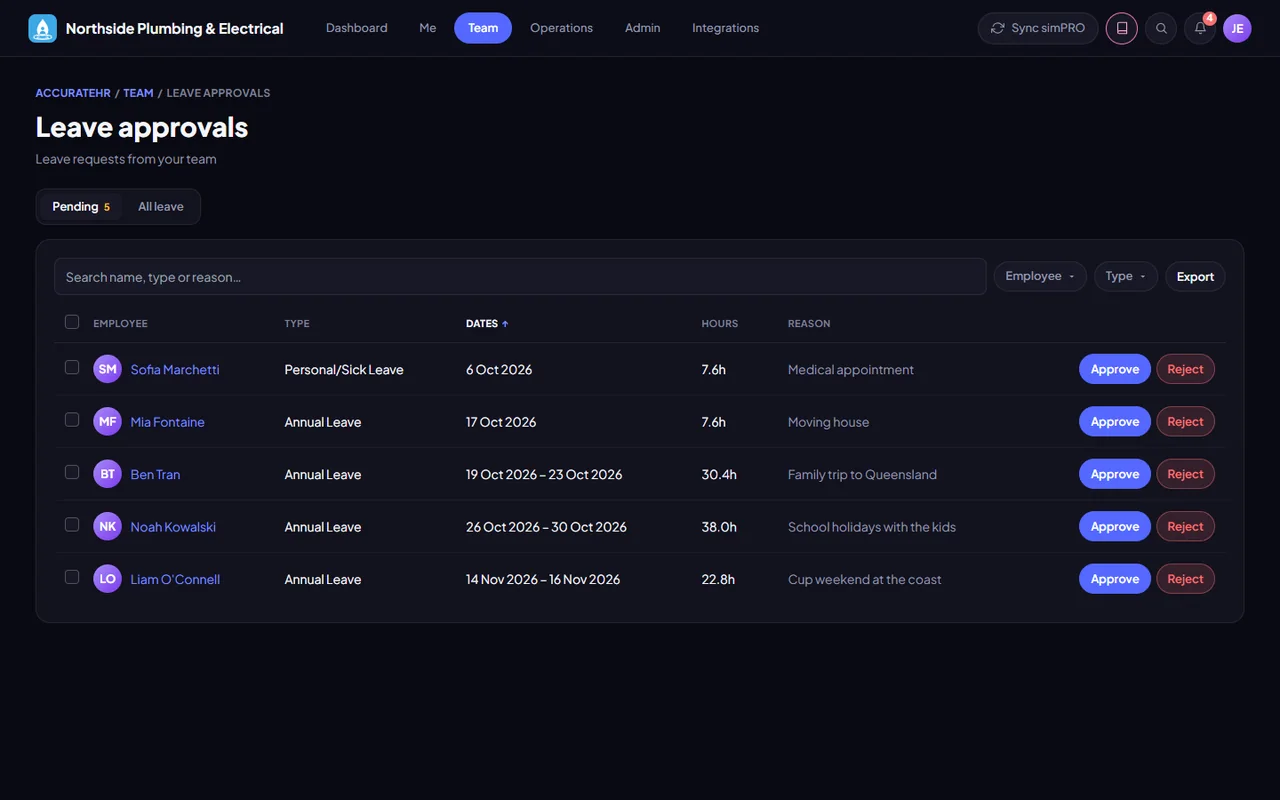
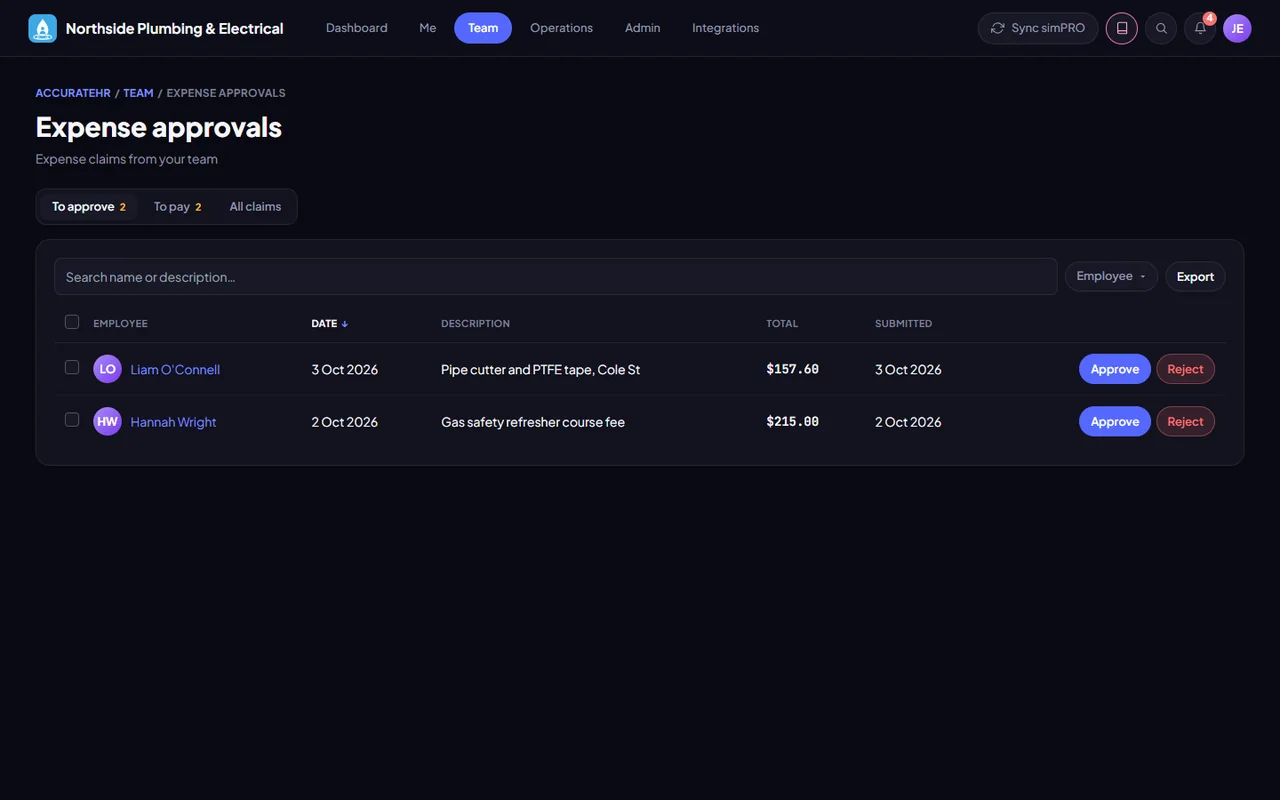
- Approval your way. A manager approves a day at a time or, for people grouped by their jobs, the leaders of the jobs they worked that day. Switch on automatic approval and a day is approved the moment it is submitted.
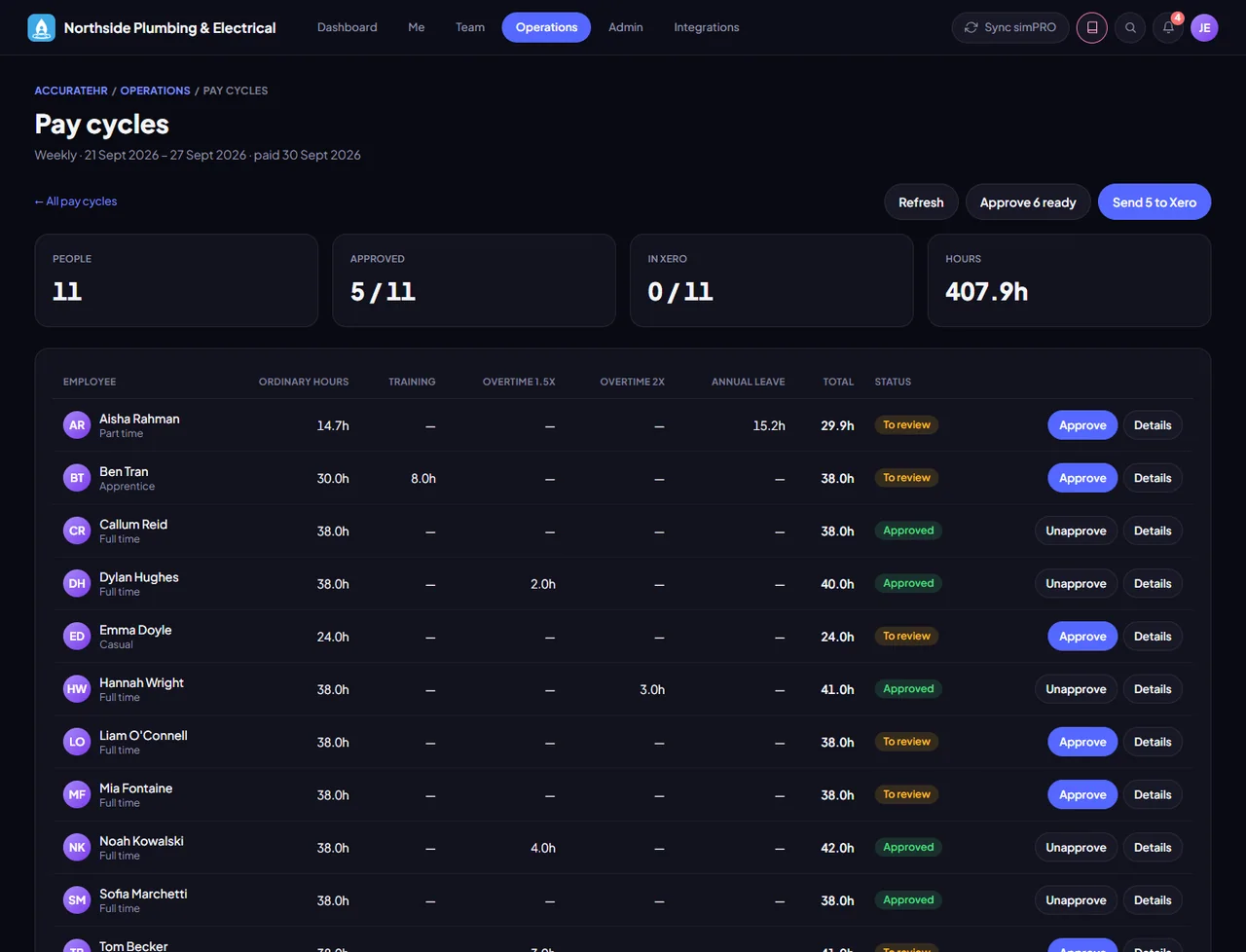
- Overtime by your rules. A timesheet profile splits each day into ordinary time and overtime at the right rates, with a rule for weekdays, Saturday, Sunday and public holidays, and shows exactly what simPRO will get.
- Fix it and send it again. Submitted too soon? Pull the day back. Add a job in the afternoon or fix a card after approval and the day goes through again. Time is only locked once the pay has been sent to Xero.
Good to know
More about Timesheets and pay cycles
Timesheets use jobs from simPRO, which is being prepared for customers. Overtime is split by the day (the ordinary window and your overtime lines), or as a whole shift for a profile that pays night shifts; overtime on a weekly total, such as over 38 hours, is not worked out.