Connect with Xero’s own sign-in
An admin connects through Xero’s standard sign-in, and AccurateHR stores the connection encrypted.

Connect your Xero organisation once. At the end of a pay cycle, approved timesheets and leave applications go across, and leave balances come back so staff see what payroll sees.
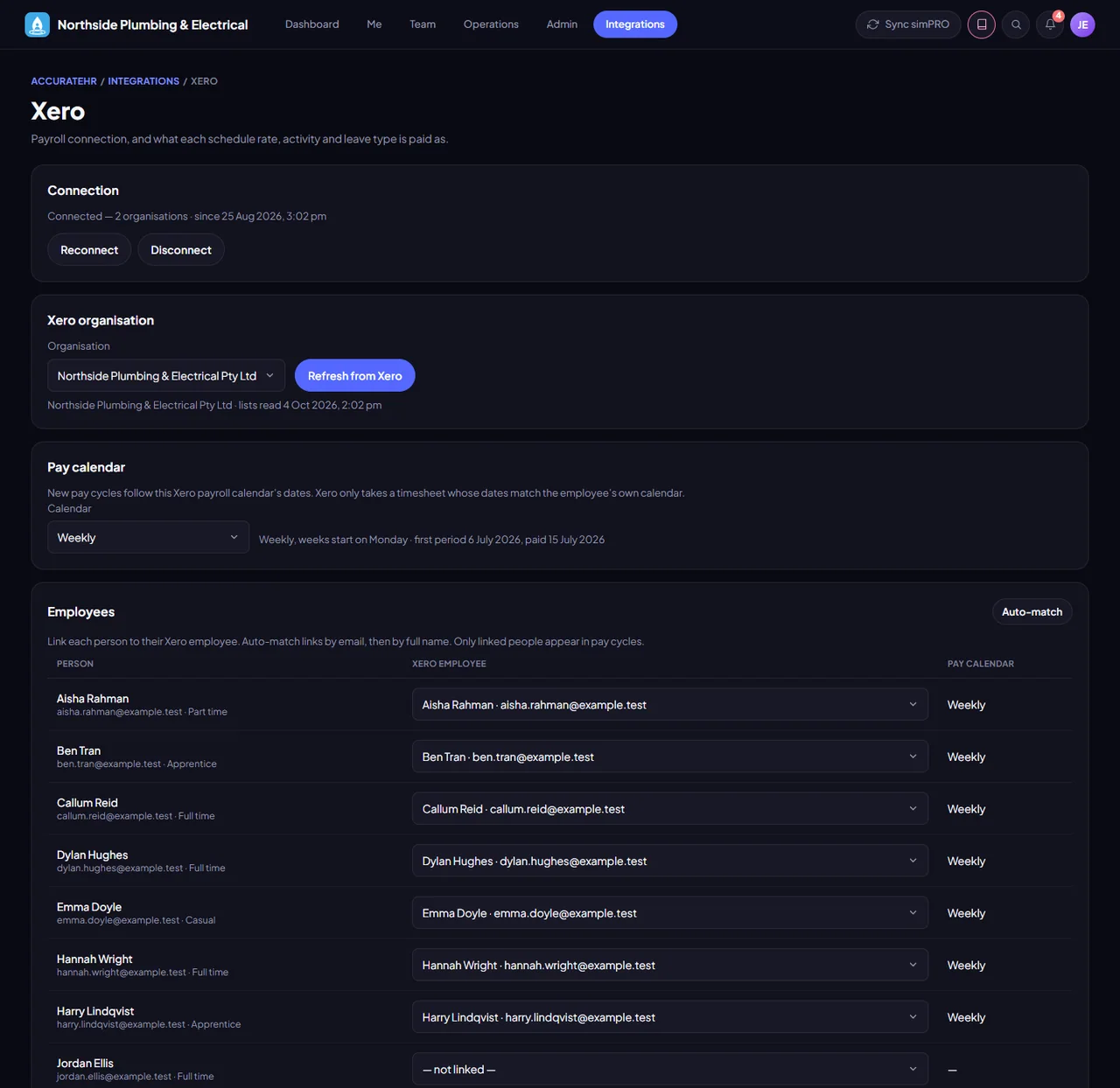
An admin connects through Xero’s standard sign-in, and AccurateHR stores the connection encrypted.
Match your pay rates, activities and leave types to Xero earnings rates and leave types, and match your people to their Xero employees.
Hours are rolled up by earnings rate for the pay period, adjusted, approved and locked before they are sent.
After a send, leave balances are read back from Xero so they match payroll.
Works with Xero Payroll (Australia) only. Admins or owners connect it, and it is optional: timesheets and leave work without it.
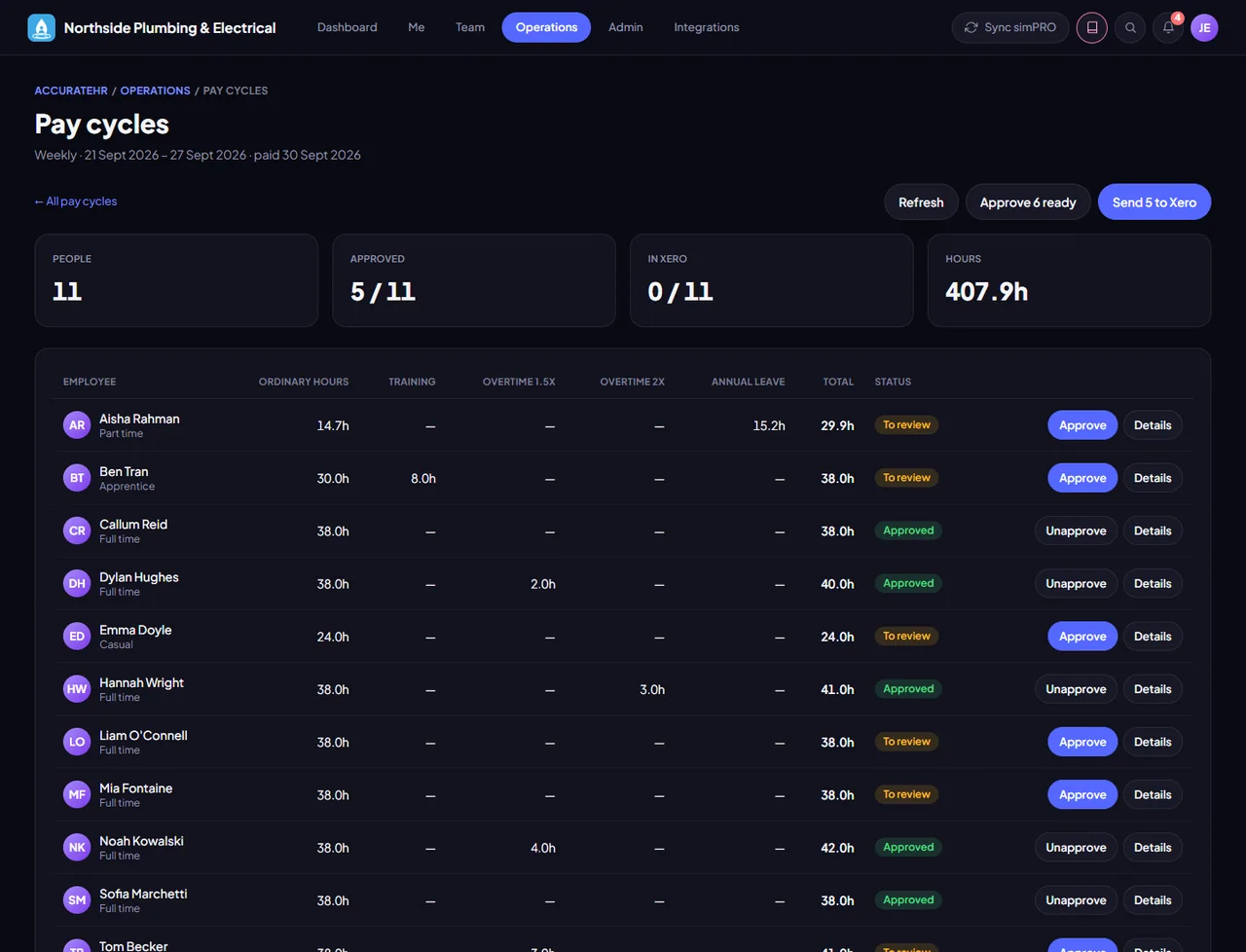
Connect Xero, set the mappings and run pay cycles.
Tell us about your business and we will get you set up with AccurateHR.