Dashboard and the Me tab
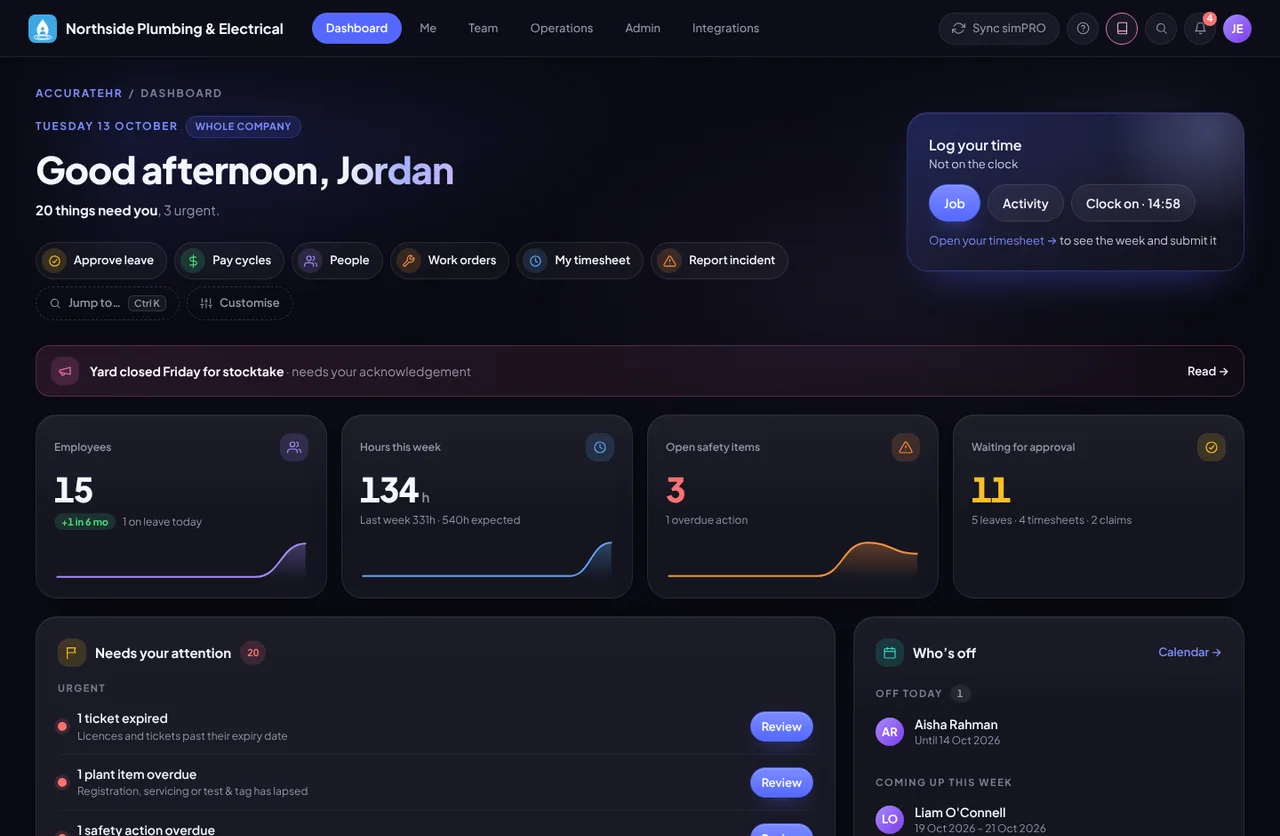
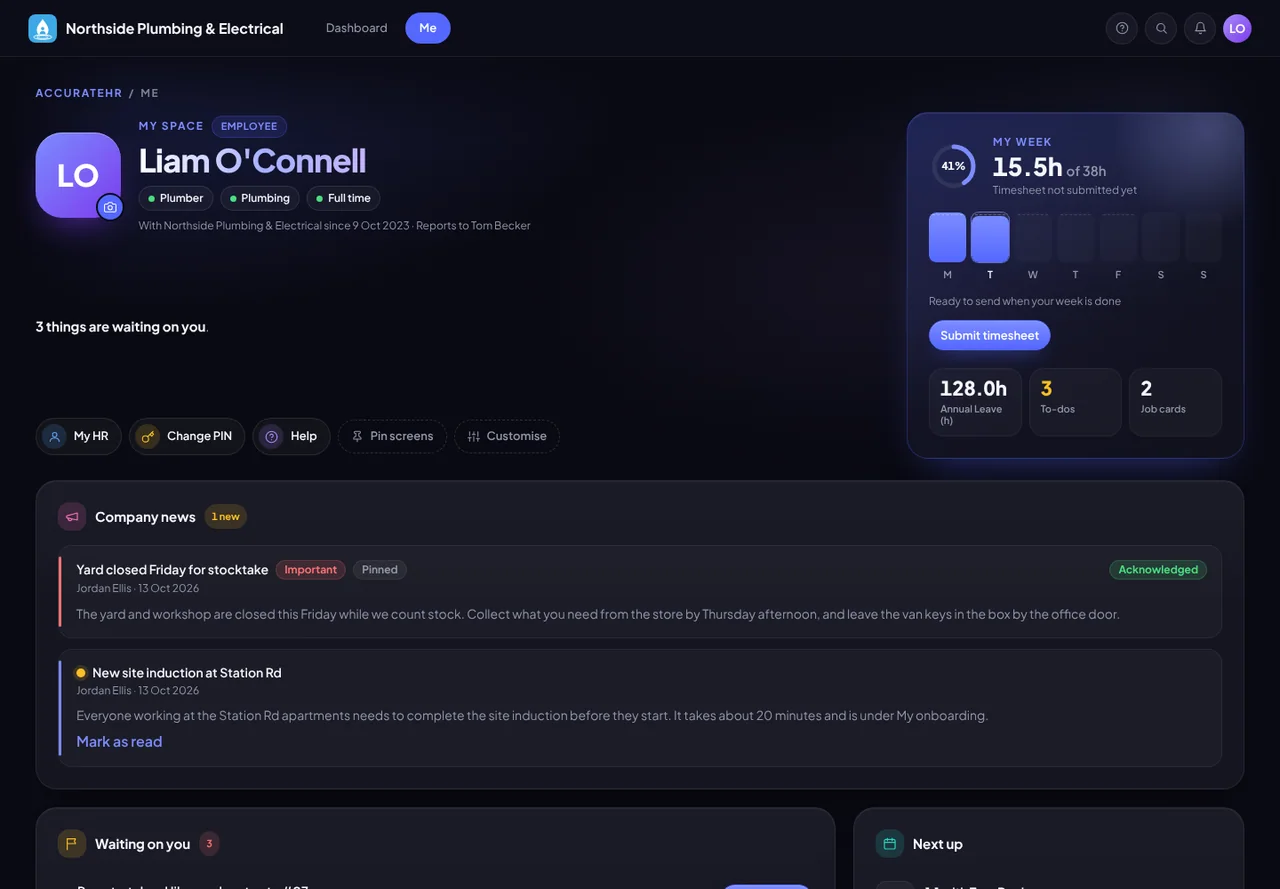
The dashboard is everyone’s starting point: what needs you now, the key figures for your role and a card for each part of the business you can open. The Me tab is your own space, with your week and the things waiting on you.
- What you see follows your role. An employee sees their own figures, a manager their team’s pending approvals, and an admin the whole company’s expiring tickets, overdue safety actions, plant due and open reviews.
- Submit your day from the Me tab. The Me tab shows your week day by day, with a one-tap Submit for each day you finish, and a list of what is waiting on you.
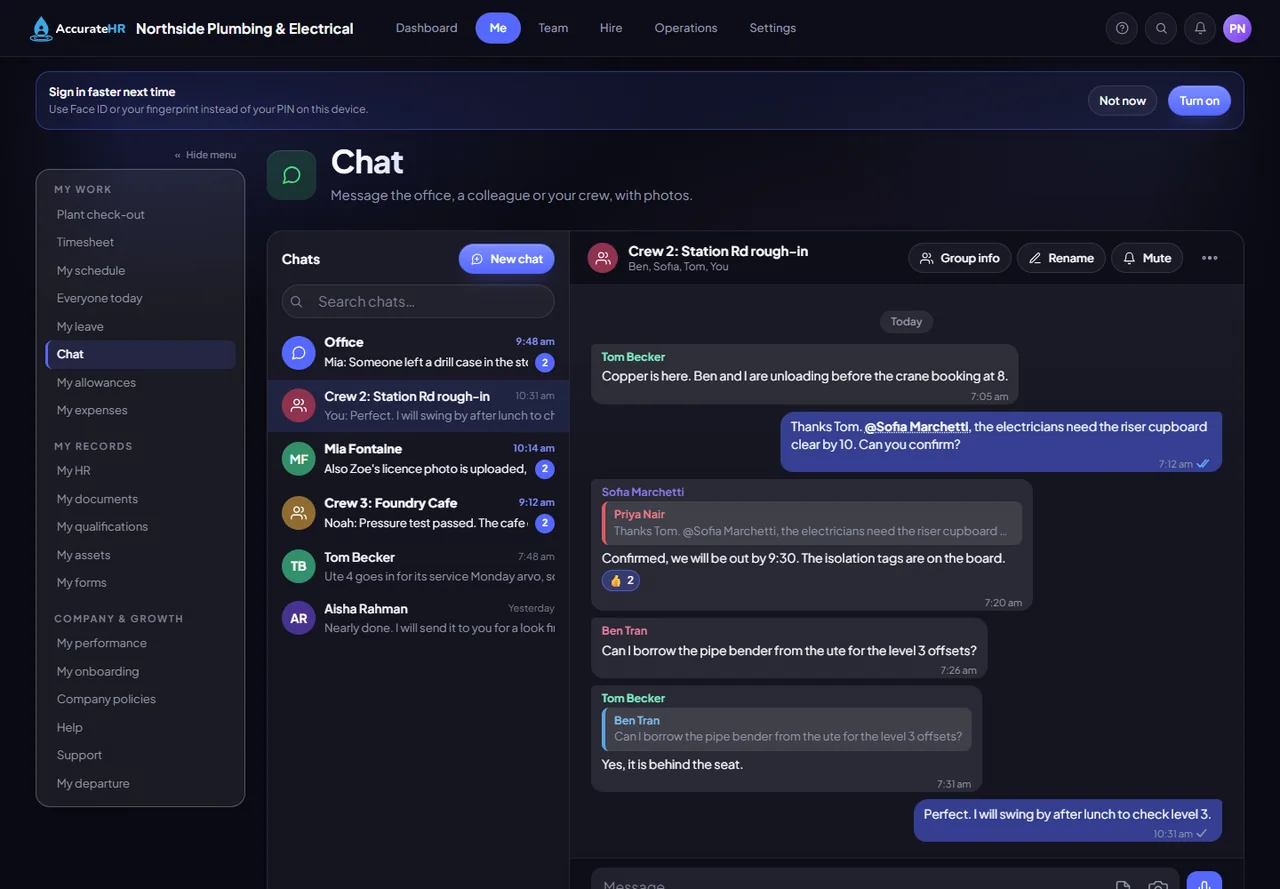
- Make it yours. Hide or reorder any card with Customise, and reset to the default. Pin up to six screens under your name as shortcuts, or press Ctrl+K to jump to any screen or, for managers and admins, any person.
- Easier to read. Choose a dyslexia-friendly or easy-to-read font, larger text, more spacing, softer colours, a calmer screen with nothing moving or, on a computer, a reading guide that follows your mouse. They are saved with you, so they are the same on your phone and at the office.
- Sunlight mode. A light, high-contrast look for bright sun. Each device switches it on for itself.