Connect once
An admin connects Dropbox through Dropbox’s own sign-in, and the connection is stored encrypted.

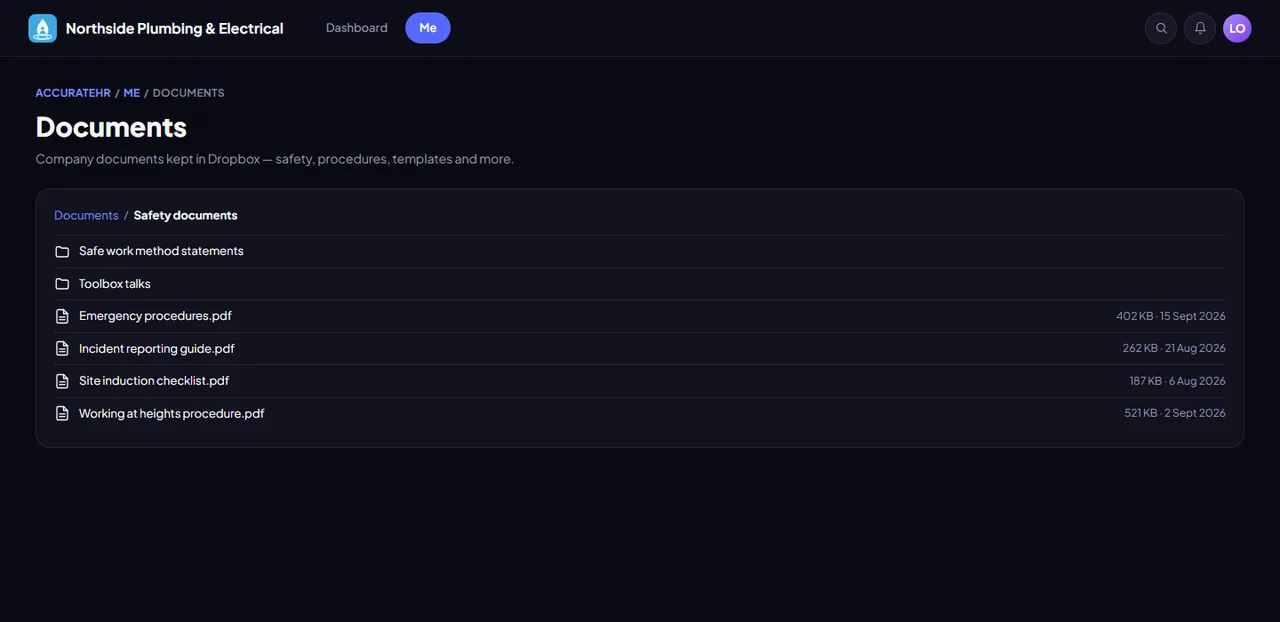
Pick the Dropbox folders to share and who can see each one. Staff browse and open the files inside AccurateHR.
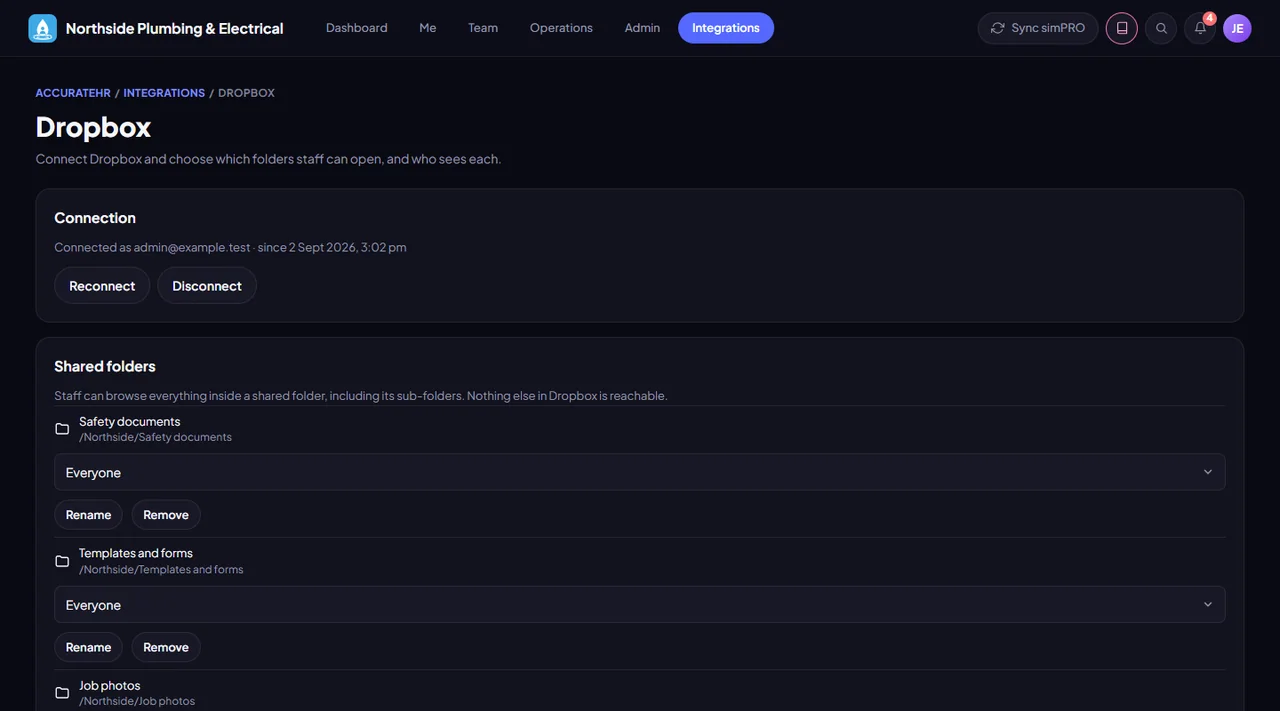
An admin connects Dropbox through Dropbox’s own sign-in, and the connection is stored encrypted.
Pick each folder and who sees it: everyone, managers or admins only.
Staff move through sub-folders and open or download files without a Dropbox account.
Every request is checked against your list of shared folders, so only those folders can be opened.
Optional, and it is read-only for staff. Admins connect it.
Connect Dropbox and choose the shared folders.
Open the folders shared with their role.
Tell us about your business and we will get you set up with AccurateHR.