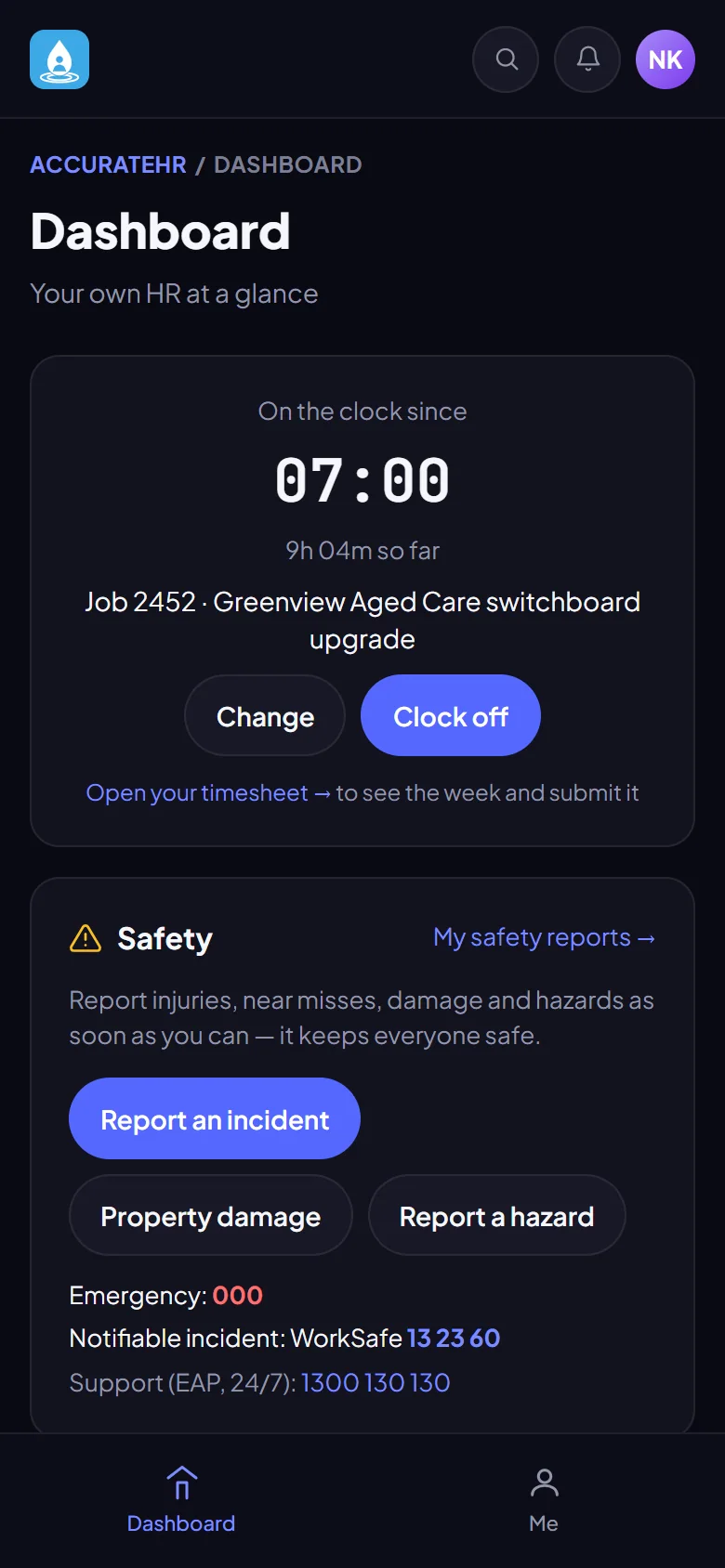
Clock on from the phone
Clock on and off against a job, or add time by hand. Copy yesterday or last week to save typing, and see the week add up as you go.

Staff clock on to a job or add time by hand and submit the week. Managers approve. A pay cycle then rolls approved hours up by earnings rate and sends them to Xero Payroll.
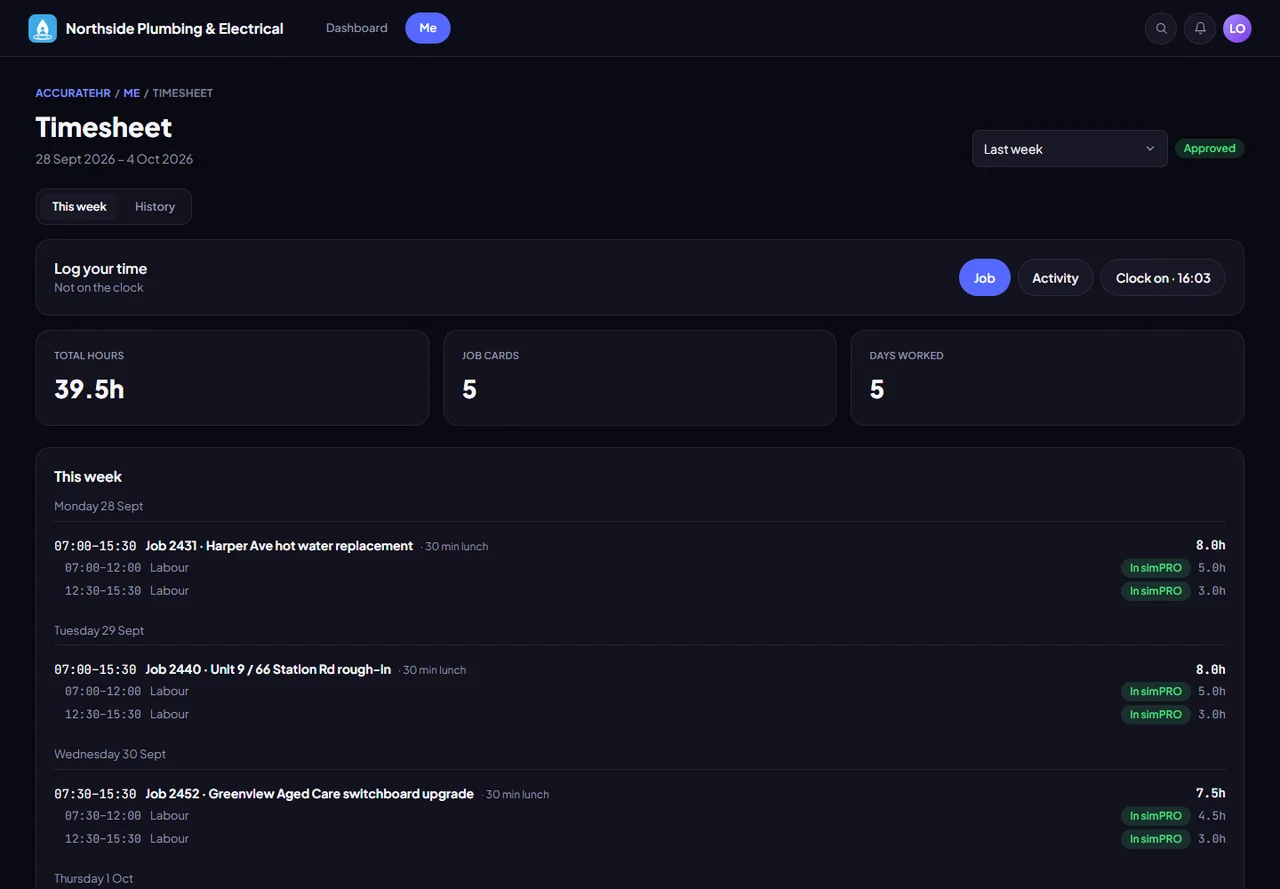
Clock on and off against a job, or add time by hand. Copy yesterday or last week to save typing, and see the week add up as you go.
A card can cover several jobs, with recent jobs a tap away, so a split day is quick to record.
Managers see long days and missing days flagged before they approve, then lock the week.
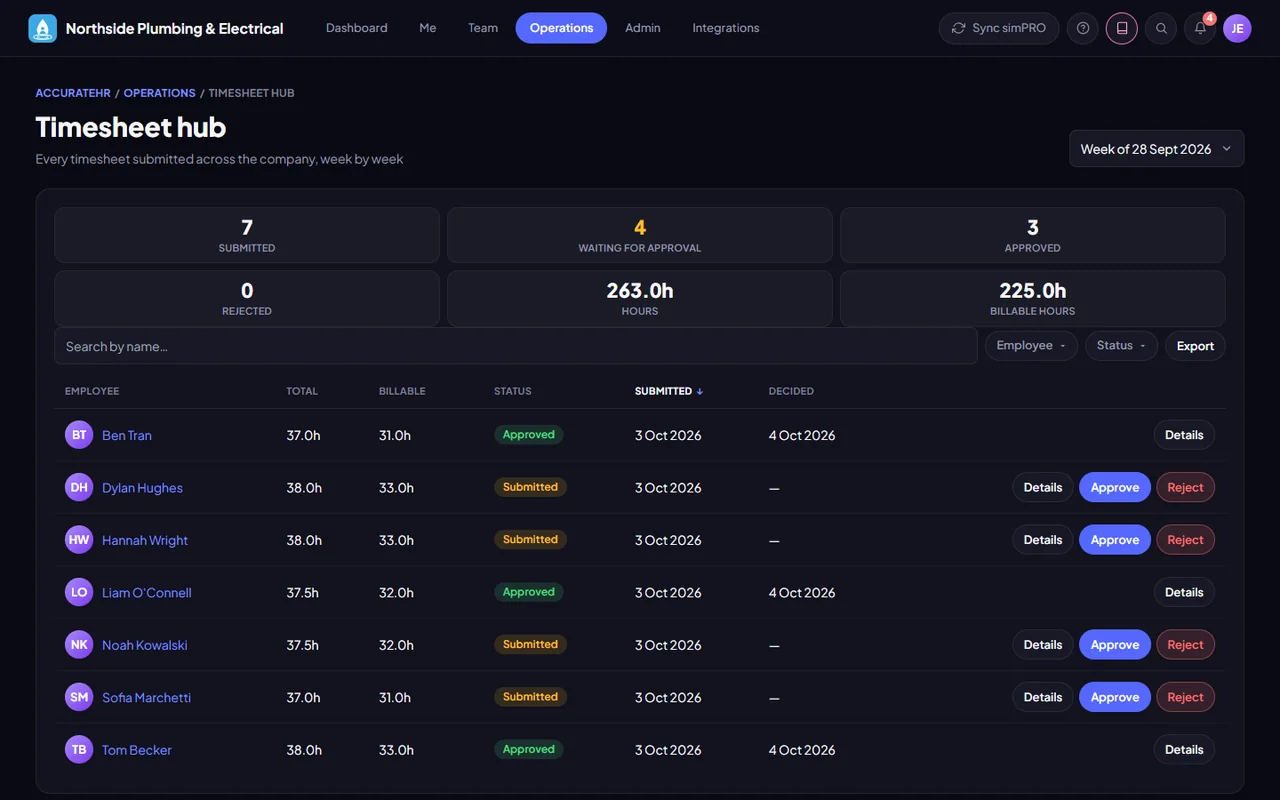
Every submitted timesheet for a chosen week in one table, with counts, hours and status. Admins see the whole company, managers their own team.
Timesheet profiles set the day rules for overtime and rate splits, so hours land on the right earnings rate.
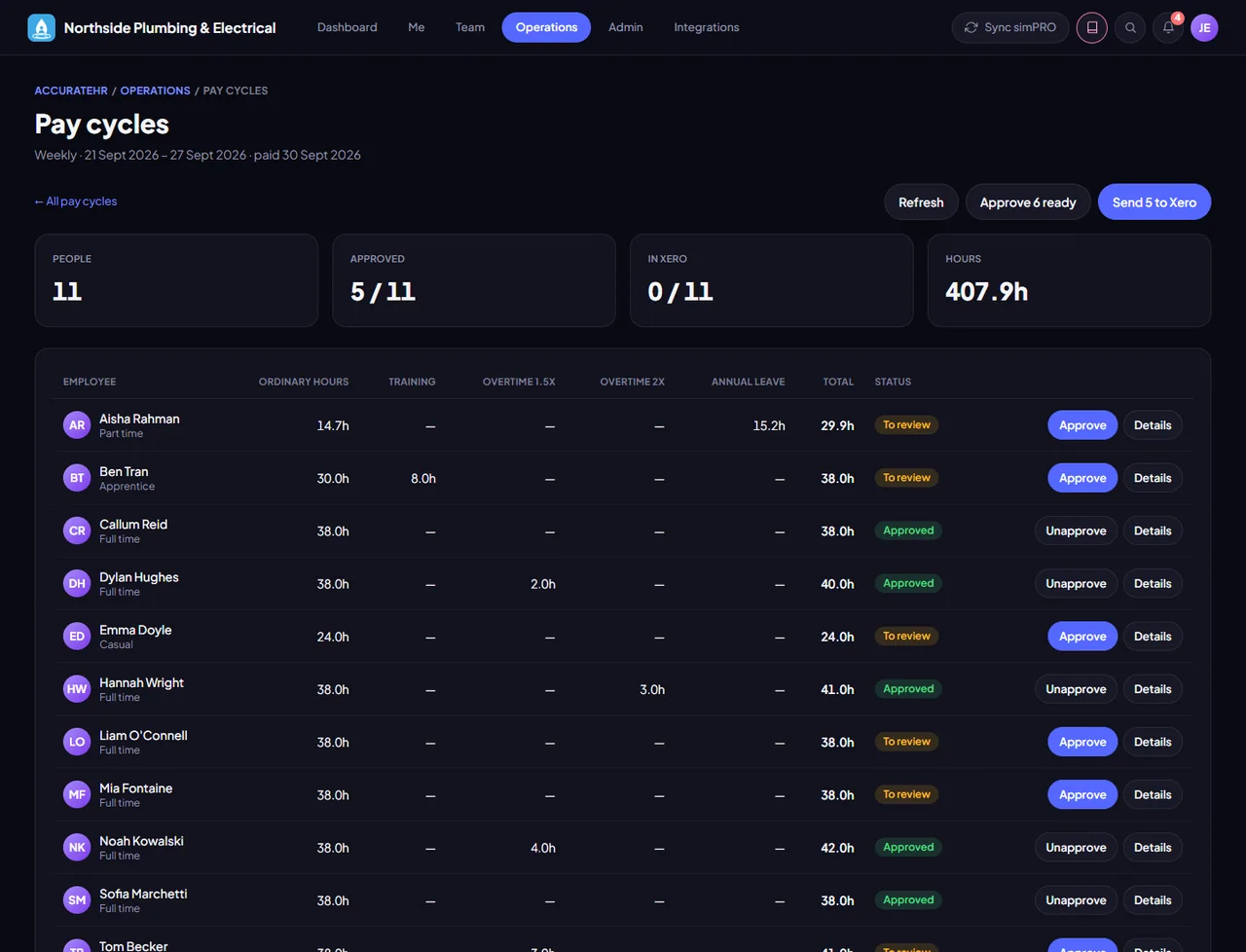
Roll a period’s hours up by earnings rate, make adjustments, approve and lock it, then send timesheets and leave to Xero.
Sending a pay cycle to Xero needs a Xero Payroll (Australia) connection. Without it, timesheets still work and can be approved and locked.
Clock on, add time and submit the week.
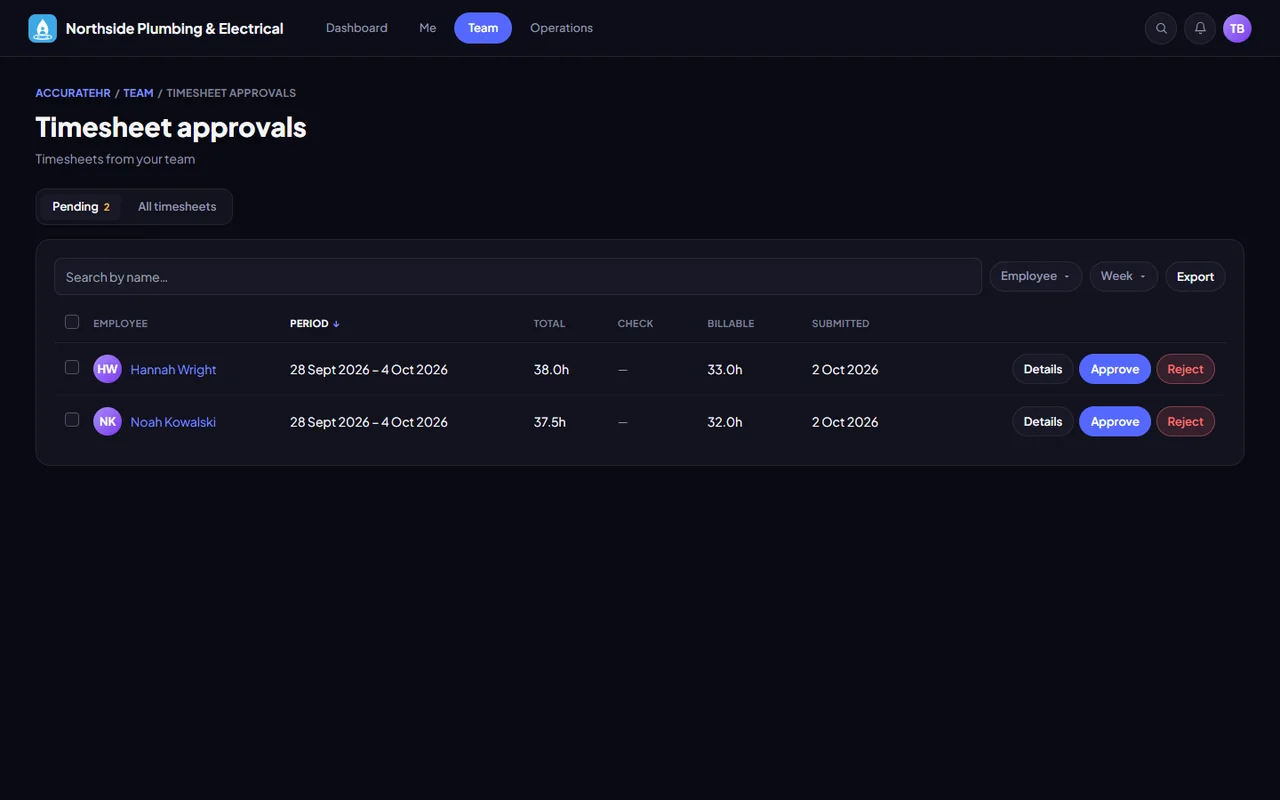
Approve their team’s timesheets.
Run pay cycles and send them to Xero.
Tell us about your business and we will get you set up with AccurateHR.